Archive a test plan
The only way to archive a test run is to archive the associated test plan. When you archive a test plan, the associated test runs no longer appear in the associated test case, and the test case status reverts to "not scheduled."
To archive a test plan:
Select the Test Plans tab in the left panel.
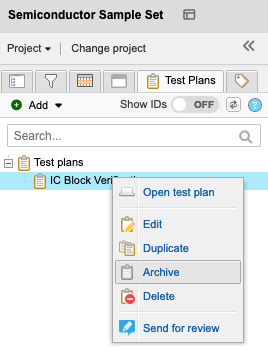
Select the test plan that you want to archive and select Archive.
To make a test plan and its associated test runs active again, select the test plan and select Unarchive.
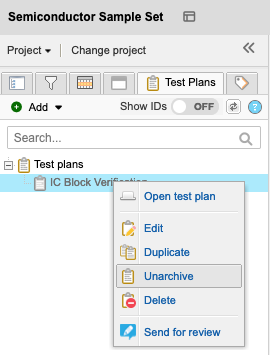
This action recalculates the test case status.