Find test cases
You can view test cases from several areas of the UI.
To find a test case:
Use one of these methods to find test cases:
Select an item in the Explorer Tree, then select Trace View.
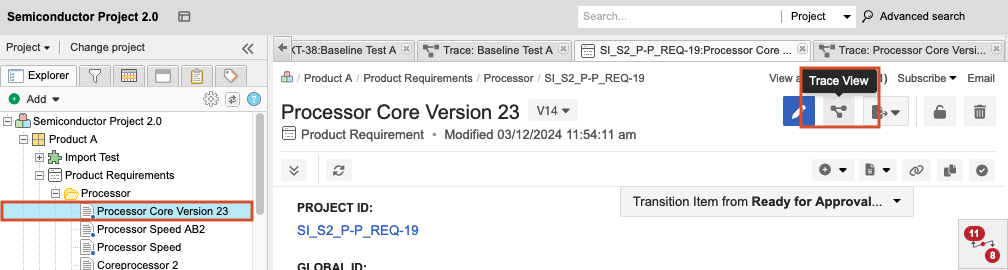
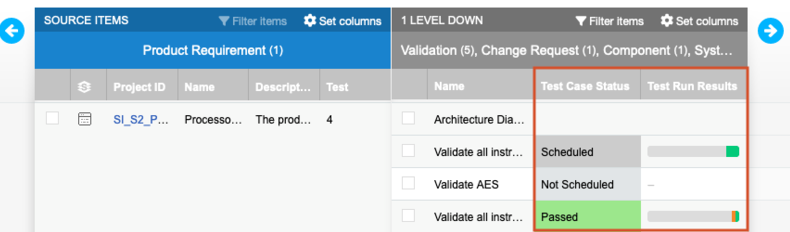
Test cases appear in relationship to items they test, along with associated test runs.
Select an item in the Explorer Tree, select List View, then filter by item type name.
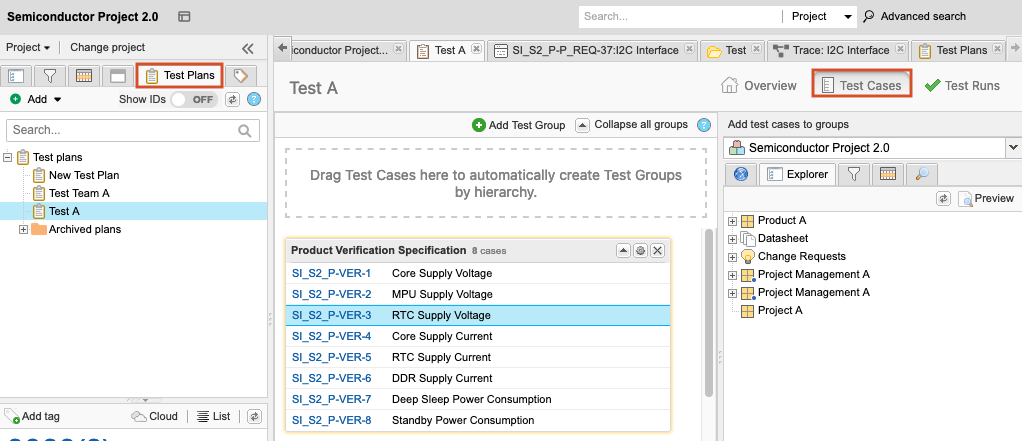
Select Test Plans > Test Cases. Test cases appear in the test cases section of the plan.
Once you locate your test case, you can perform any of the following actions: add test cases to a plan, import test cases, or view and edit test case details.