Index project items
Sometimes project indexes get out of sync due to field configuration changes, large batch updates, API updates, and other functions. When this happens, you need to re-index your project items.
Organization and Project Admins only
You need organization or project admin permissions for this task.
Important considerations
Index your project items if you see data that's incorrect or missing. For example, failed batch updates or if an item shows a value in a field, but a search for that field value doesn't return the item.
Large files over 25 MB aren't indexed, so their content isn't searchable. The following filetypes are indexable: PDF, DOC, DOCX, PPT, PPTX, TXT, RTF. The following filetypes aren't indexable: XLSX, XLS, XML, HTML, HTM.
To index your project items:
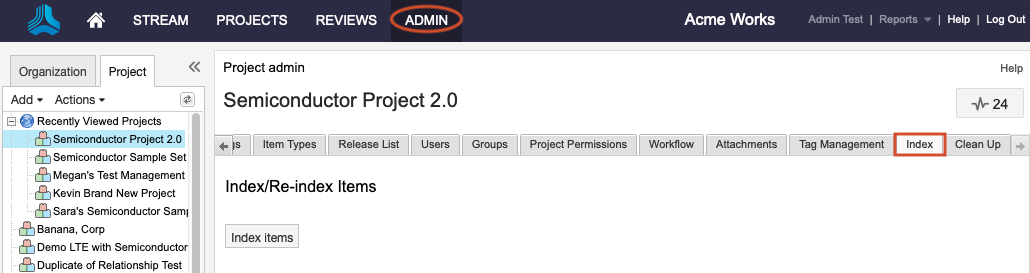
Select Project > Index.
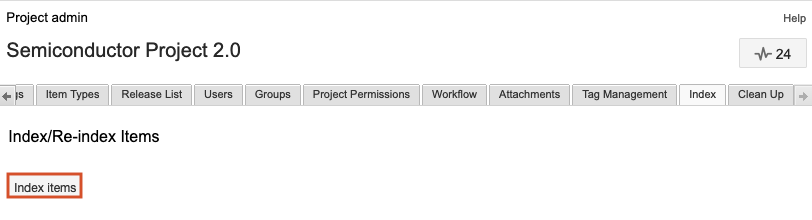
Select Index items.
Your project items are re-indexed. If the problem isn't resolved, ask the system admin to run a full index of items.